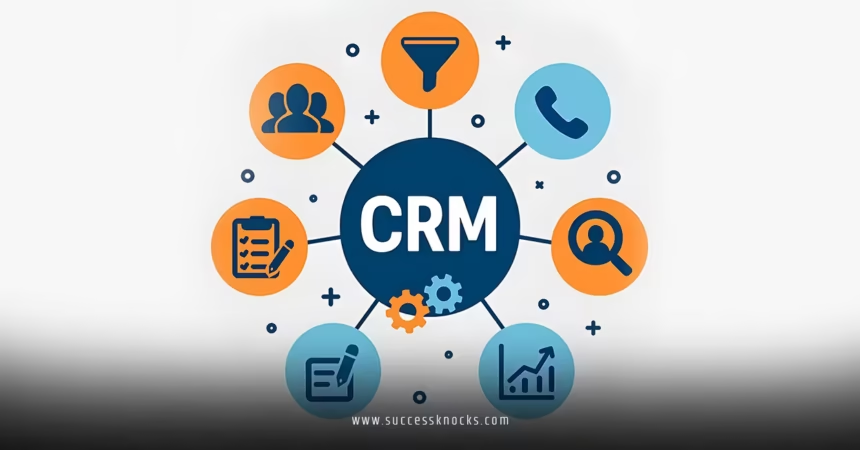
HubSpot CRM Setup for Beginners is one of the smartest first steps you can take when building a solid foundation for your business. If you’re a Singapore entrepreneur just getting started with customer management, the thought of setting everything up might feel a bit daunting at first. You have contacts coming in from different channels, notes scattered everywhere, and sales conversations that seem to slip through the cracks.
The good news? HubSpot makes it straightforward and beginner-friendly. You don’t need to be a tech expert to get organized and start seeing results quickly.
In this article, we’re going to be taking a look at HubSpot CRM setup for beginners, and how you can get your customer data working for you right away. If you would like to find out more, feel free to read on.
Pic – CC0 License
Why start with HubSpot CRM as a beginner
Running a B2B business in Singapore means juggling leads from local networks, regional events, and online inquiries. Without a central place to keep everything, you lose time and opportunities. HubSpot’s free CRM gives you a clean, powerful system to track contacts, companies, deals, and tasks—all in one spot.
It grows with you. Begin simple, then add marketing or sales tools as your team expands. Many local entrepreneurs use it to stay on top of relationships without needing a big budget upfront.
Step-by-step HubSpot CRM setup
Start by signing up for a free HubSpot account at hubspot.com. Choose the CRM option during setup—it takes just a few minutes.
Once inside, go to the settings gear icon. Review your account details and set your time zone to Singapore time (SGT) so reminders and reports match your working hours.
Next, import your existing contacts. You can upload a simple CSV file with names, emails, phone numbers, and company info. HubSpot guides you through matching fields so nothing gets lost. Clean up duplicates during the import to keep things tidy from day one.
Customizing your CRM for your B2B needs
After importing data, set up basic properties. Add fields like “Company Size,” “Industry,” or “Source” that matter to your Singapore market—think local vs. regional clients or decision-maker roles common in tech and services sectors.
Create a few simple pipelines for deals. For beginners, one straightforward sales pipeline with stages like “New Lead,” “Qualified,” “Proposal,” and “Closed” works well. You can always adjust later.
Set up email integration so you can send and track messages directly from HubSpot. Connect your Gmail or Outlook to log activities automatically. This saves huge amounts of time when following up with prospects.
Adding essential features for daily use
Turn on tasks and meetings to stay organized. Set reminders for follow-ups so nothing falls through. Use the mobile app for quick updates when you’re out meeting clients around Singapore.
For B2B teams, connect your website forms to automatically create contacts in the CRM. This captures inquiries without manual entry. As you grow, you’ll want to explore reporting dashboards to see where leads are coming from.
Once your basic setup feels comfortable, consider diving deeper into prioritization. Many beginners later move to advanced features like setting up a lead scoring model in HubSpot for B2B to focus sales efforts on the hottest opportunities.

Keeping your data clean and useful
Good habits make all the difference. Encourage your team to log every call, email, and meeting. Use consistent naming for companies so searches stay accurate.
HubSpot CRM Setup for Beginners:Review your data monthly. Archive old contacts or update outdated info. HubSpot has built-in tools to help with this without much effort.
Start small—focus on contacts and companies first before adding complex automations. This keeps things manageable while you learn.
Common beginner mistakes to skip
Don’t skip the import cleanup step. Messy data creates headaches later. Also, avoid over-customizing everything on day one. Add properties as you discover what you actually need.
Many new users forget to set user permissions if they have a small team. Keep it simple but secure so everyone sees what they should.
Measuring success in your new CRM
After a couple of weeks, check basic reports: how many new contacts entered, open deals, and completed tasks. Use these insights to refine your process.
HubSpot’s free tools already give you plenty to work with. As your business scales, the data you collect now will make future growth smoother.
We hope that you have found this article enlightening in some way. Getting your HubSpot CRM setup right as a beginner sets you up for stronger customer relationships and more efficient sales in Singapore’s competitive market. Take it one step at a time, and you’ll quickly wonder how you managed without it.